disk in Asustor as formatted in 4 partitions … only part 4 is sued for the DATA Raid … others are reserved for ADM
Disk size is in Tera bit (1000x) and not in Tera bytes (1024x) … so the real size usable is (seems to be) lower than the size announced.
using Raid 5 … the real size usable is the Part4 size x (NB disks -1)
To be sure of the size (and if it’s TB or TIO, use command line … then compare to ADM WebUI display
open a terminal as root/your_admin_password or any administrator (prefix cmd. by sudo to elevate you as root)
verify if all disk are used by raid
cat /proc/mdstat (each U is disk in the Raid)
df -h (or df -h /dev/md1 … or any depends of your volumes)
… you can check the real in Tb. size (multiple of 1024 … not in Tio multiple of 1000)
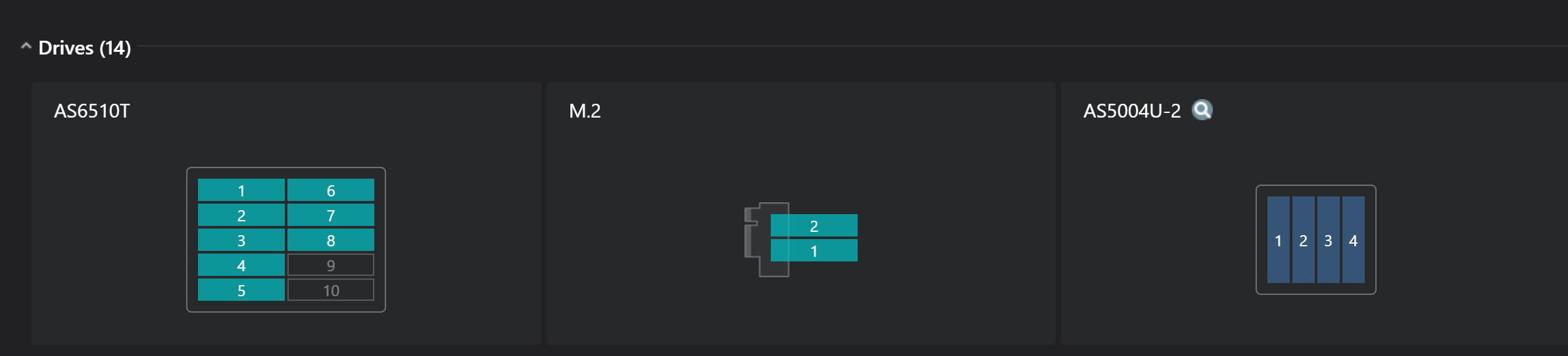
One thing I have noticed is that Disk 5 isn’t showing Temperature or SMART Data, yet this is a brand new 6TB Red WD I got 2 weeks ago?
All other drives are showing Temps, SMART Data etc.
I was looking at removing it and seeing if it made any difference, but searching the Help I couldn’t see if it was safe just to remove it with Power on, or do I need to Power Off first?
I also looked at Storage Utils etc, so see if I could remove it there, but only looks like removal of Volume 1, which is the whole thing?
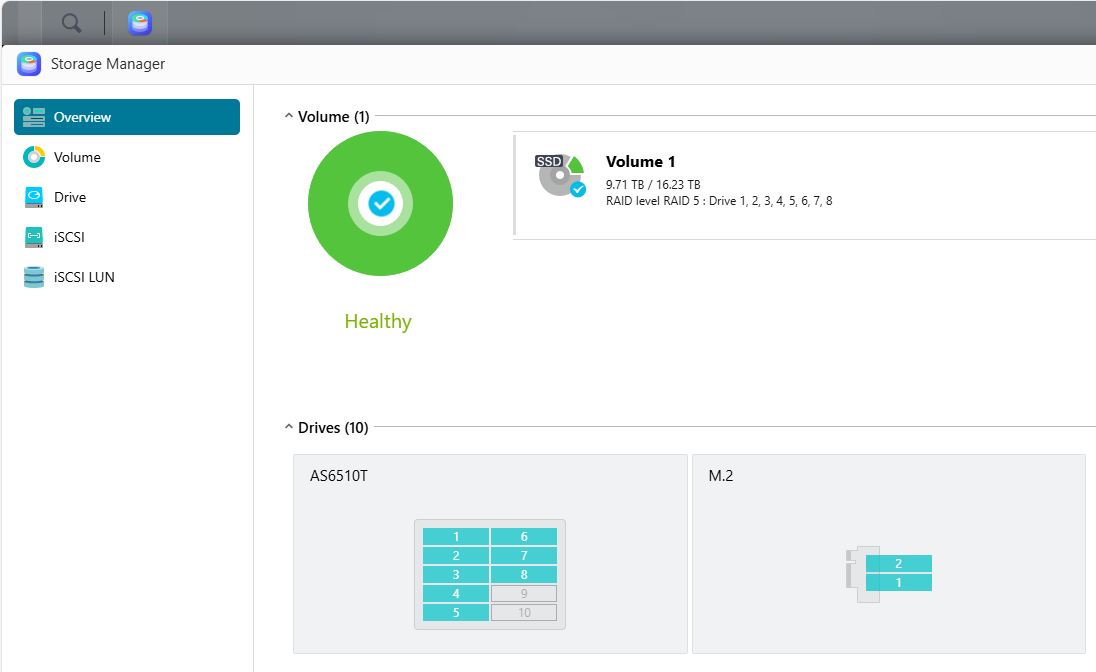
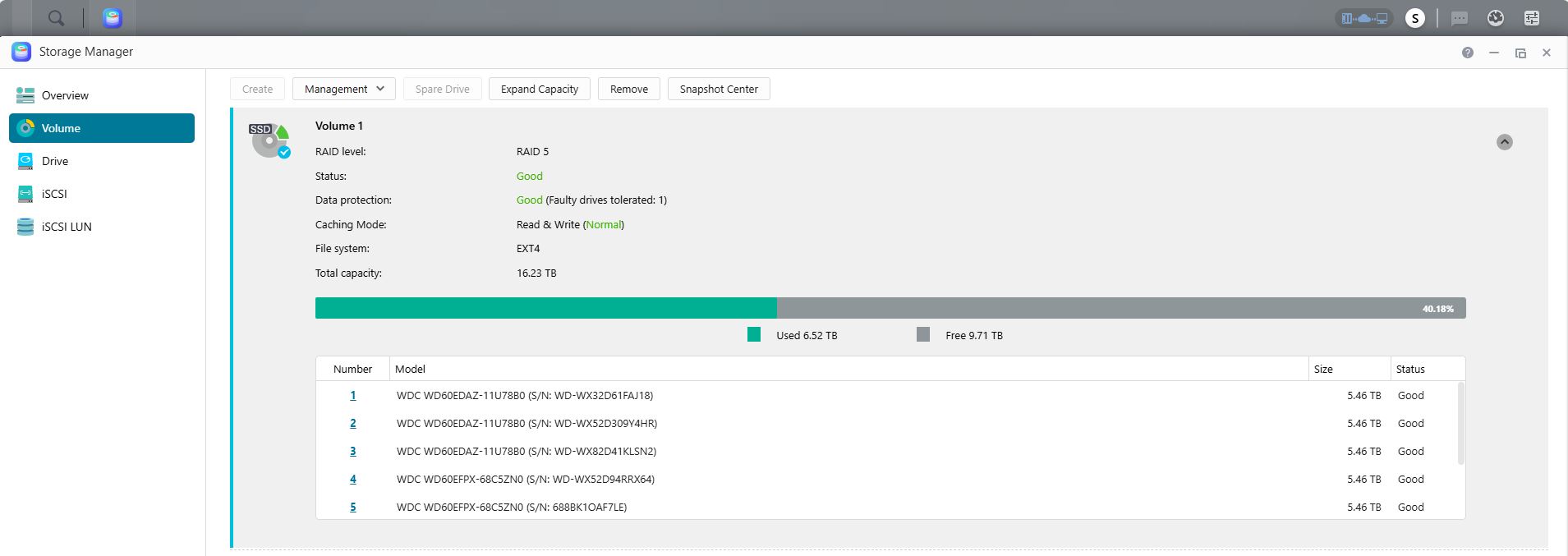
It looks like the NAS is giving you the capacity as if it only had four drives in RAID5 rather than eight. As Philippe says, you do have to allow for the difference between what the manufacturers call 1MB and what everyone else know it should be plus what ADM keeps for itself. The expected capacity for four 6TB drives in RAID5 would be 16.37TB so you can see ADM’s portion.
My personal opinion is that the NAS is telling you that eight drives in RAID5 is a really bad idea and you should be using RAID6…
Gradually adding drives to a RAID5 is certainly a bad idea as it heavily stresses the drives each time as the new parity stripes are recalculated.
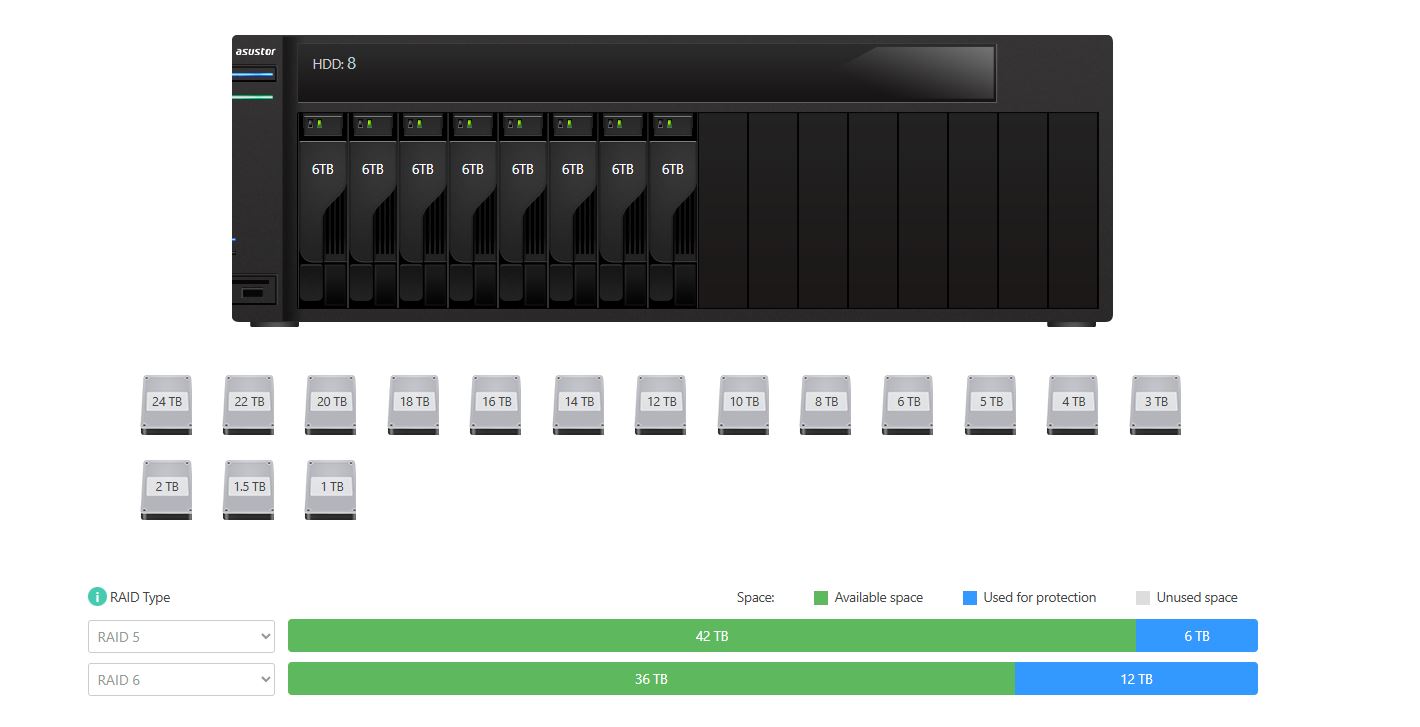
If I were to go to RAID6 over RAID5, all it allows for is an additional failed drive, so RAID5 (1 Failure), RAID6 (2 Failures) as the screenshot below.
I didn’t think adding drives would be a bad idea, i don’t know many that would buy a 10 bay NAS and buy 10 HD’s to go in it straight away unless they’re loaded?
I trying to do everything in the right way for the AS6510T, I don’t want to stress the drives or system
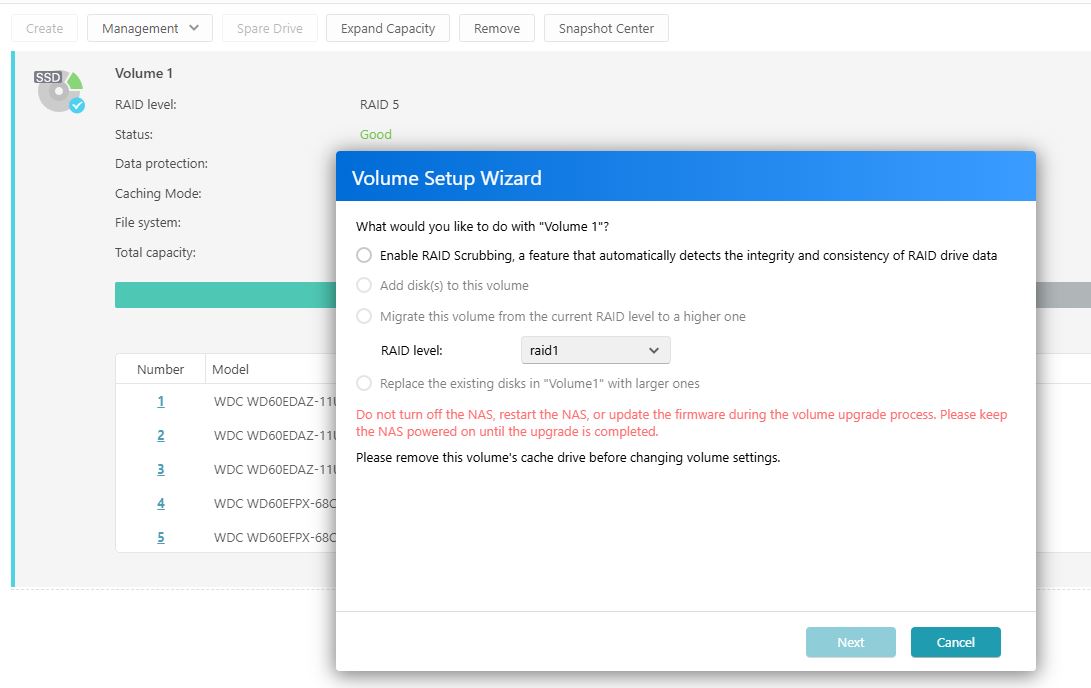
Yes, cache has to be disabled before a volume can be expanded and this can take an incredibly long time, like days!
With that many drives I’d use RAID10 but I appreciate some may not want the high disk to effective capacity ratio.
I would expect a ten-bay NAS to normally be used commercially rather than be a personal purchase so fully populating it from new would have been part of the purchase decision.
It’s a shame that you have to physically remove the Cache rather than being able to unmount / disable it from the settings which would be far easier.
As you say, it does take a while and it has been days before, but I don’t mind, just want it to be right.
Raid6 would be a better option for me over RAID10, it still give me 2 HD redundancy which is fine.
Yes, i guess a 10 bay is a bit overkill for personal use, but after losing a lot of photo’s, data many many years ago, I just can’t take that chance to lose what I have now again, I’m actually going to buy Asustor Xpanstor 4 AS5004U, 4 Bay NAS Storage Capacity Expander just to Backup / Archive to.
If data security is your aim then I suggest a second NAS rather than the Expanstor. I have an older AS5202T with two large HDDs in RAID1 as my second NAS and it’s normally powered down. At regular intervals it powers up, a Robocopy script on my main PC mirrors NAS1 to NAS2 and a bit later NAS2 powers off again. This gives me a good separation of storage and backup for a reasonable investment. If you need more drive bays then the AS5304T would do the job. I can’t bring myself to recommend the Drivestor range but it is there as a cheaper option.
Having it attached to your only NAS is putting all your eggs in one basket. If your NAS fails you’ve lost access to everything unless you can access MyArchive drives on your PC/Mac/whatever. A second NAS adds resilience.
[quote=snapshot post_id=58588 time=1753424844 user_id=715]
Having it attached to your only NAS is putting all your eggs in one basket. If your NAS fails you’ve lost access to everything unless you can access MyArchive drives on your PC/Mac/whatever. A second NAS adds resilience.
[/quote]
Part of the reason was this [i]
The Xpanstor 4 works well as a DAS solution as well. Plug an Xpanstor into a computer to access up to four independent drives that can be used by a Windows, Mac or Linux machine for applications that include, but are not limited to storage, drive cloning and diagnostics.[/i]
So if the NAS does fail, then I should be able to plug this into any PC/Laptop and still have access.
Issue is, I've connected the AS5004U with 6Tb Drives and I can't see it anywhere???
[quote=Shenga post_id=58600 time=1753727733 user_id=17417] [quote=snapshot post_id=58588 time=1753424844 user_id=715]
Having it attached to your only NAS is putting all your eggs in one basket. If your NAS fails you’ve lost access to everything unless you can access MyArchive drives on your PC/Mac/whatever. A second NAS adds resilience.
[/quote]
Part of the reason was this [i]
The Xpanstor 4 works well as a DAS solution as well. Plug an Xpanstor into a computer to access up to four independent drives that can be used by a Windows, Mac or Linux machine for applications that include, but are not limited to storage, drive cloning and diagnostics.[/i]
[b]So if the NAS does fail, then I should be able to plug this into any PC/Laptop and still have access.[/b]
Issue is, I've connected the AS5004U with 6Tb Drives and I can't see it anywhere???
[/quote]
As long as the drives are formatted in NTFS (for Windows), not EXT4 or btrfs.